Most marketing questions need three tabs: Google Ads, Google Analytics and the system where the money actually lands. A Google Ads MCP server puts them into one conversation. You ask "Which campaigns brought bookings last week?" and Claude answers from your real accounts.
We built this for a client, a tour operator in Europe. In this post: what a Google Ads MCP server does, what Google's official servers can and can't do, and what we found when one chat could see all the data at once.
What a Google Ads MCP server does
MCP (Model Context Protocol) is the standard way to connect an AI assistant to a tool. If you are new to it, start with What is MCP?.
A Google Ads MCP server sits between Claude and the Google Ads API:
- You ask a question in plain language.
- Claude picks the right tool on the server and writes the query.
- The server runs it against your ad accounts and returns the data.
- Claude reads the result and answers, or asks the next question itself.
No exports, no copying numbers into a spreadsheet.
Google's official servers
Google now publishes two open-source servers that matter for marketing:
| Server | What it can do | What it can't do |
|---|---|---|
| Google Ads MCP | read all account data, create assets, manage labels | change campaigns, ads, budgets or bids |
| Google Analytics MCP | GA4 reports: standard, realtime, funnels, conversions | change any GA4 settings |
Both run on your own computer or server and log in with your Google account. For a team that only needs answers from Google data, this is a good, free start.
Our setup: one chat for ads, analytics and bookings
Be Original Tours sells walking, day and night tours in several European cities. Their ad spend runs through Google Ads, traffic is measured in GA4, and the real result, a booked tour, lives in their own booking data.So we built one custom MCP server with 51 tools. It reads:
- Google Ads: all accounts under the manager account (MCC) at once
- GA4: traffic and conversions per page and source
- Booking data: tours, bookings, guests and sales channels
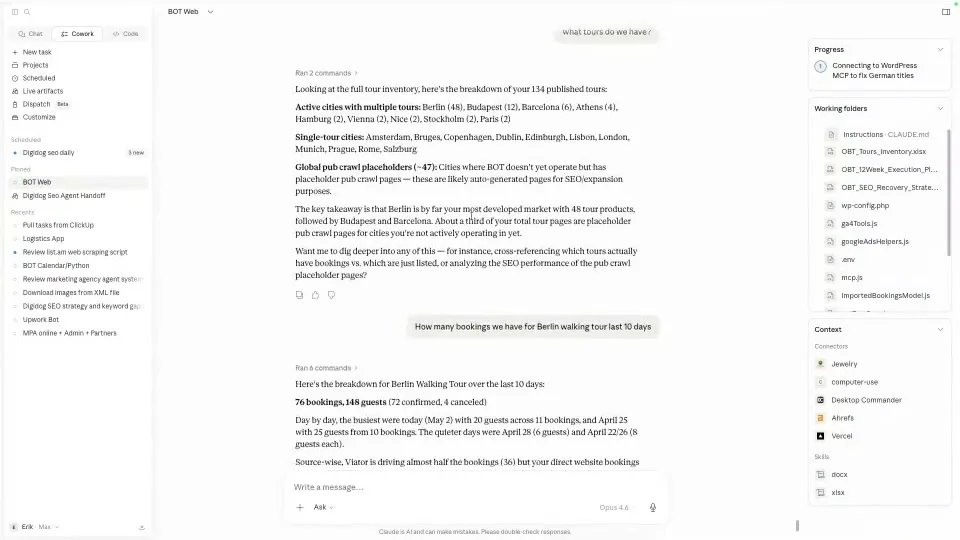
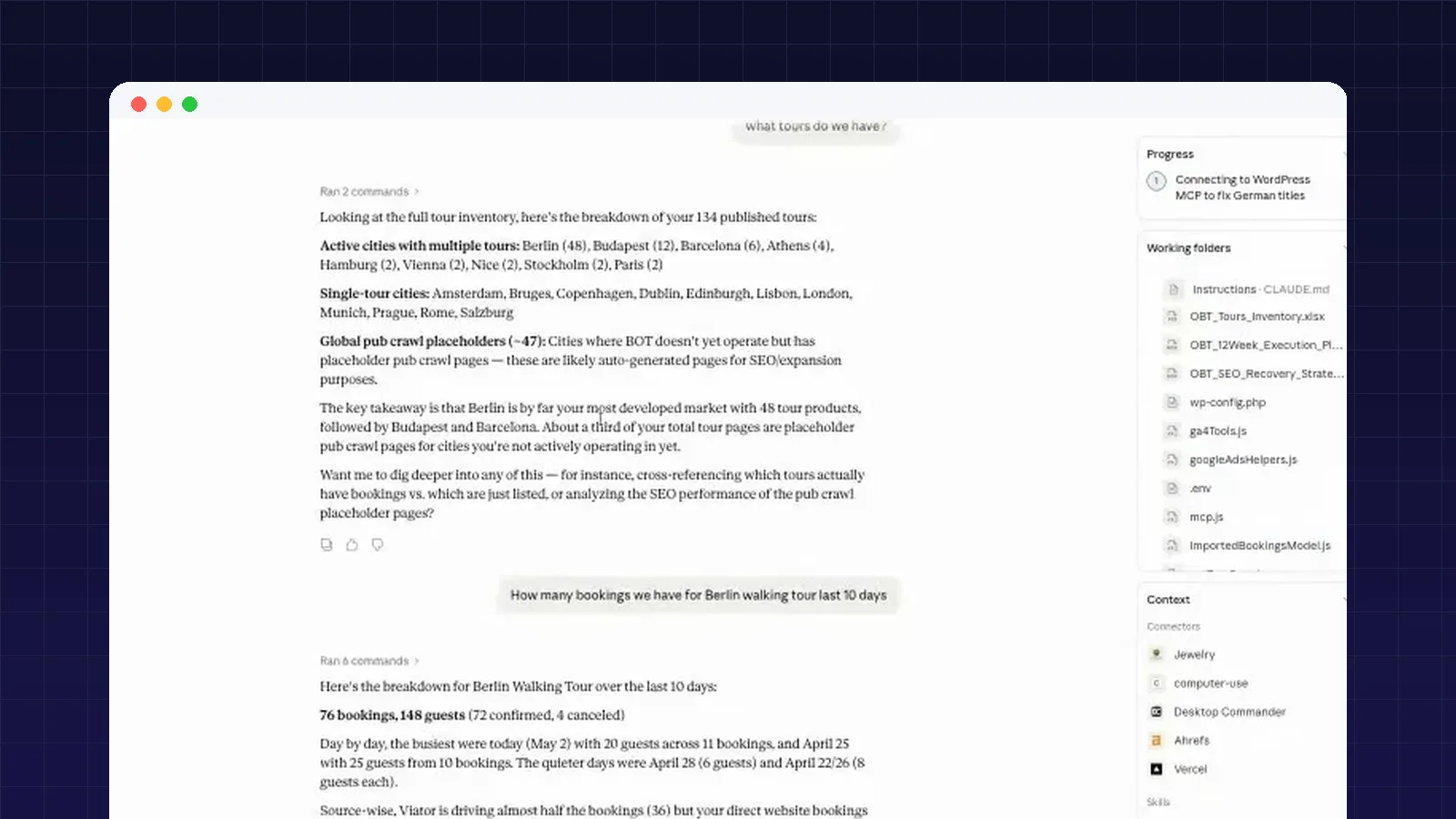
In the screenshot, a manager asks how many bookings the Berlin walking tour had in the last 10 days. Claude runs the query and answers: 76 bookings, 148 guests, with the busiest days and the split by sales channel. That used to mean opening the booking system and building a report.
What we found: €18,099 of duplicate ad spend
Because the agent saw every ad account at once, it noticed something nobody had seen in the single-account view: a second ad account was running the same campaigns again. Two accounts were paying for the same clicks. The duplicate spend added up to €18,099.
Inside one account, every number looked normal. The problem only showed up when the accounts were compared side by side, which is exactly what a person rarely has time to do and an agent does in seconds.
The same agent also pulled 6,850 customer reviews from 12 cities onto the website, so every tour page shows real reviews.
Official server or custom server?
| You need | Use |
|---|---|
| answers from Google Ads only | official Google Ads MCP |
| answers from GA4 only | official Google Analytics MCP |
| ads compared with real sales, CRM or bookings | custom MCP server |
| reports, alerts and checks that run on their own | custom server plus a scheduled agent |
The official servers answer "what happened in Google". A custom server answers "did the money come back", because it joins ad data with the system where revenue is recorded.
How to set it up
- Pick the questions first. Write down the 5 to 10 questions you ask every week. They decide which data the server needs.
- Create a Google Cloud project and an OAuth login for the Google Ads and Analytics APIs. Check Google's current requirements for Google Ads API access.
- Use the manager account (MCC) if you have more than one ad account, so the agent sees them all.
- Start read-only. For the first weeks the agent only reads and reports.
- Connect Claude. Add the server to Claude Desktop, Claude Code or your team's Claude workspace.
- Add your own data. Bookings, CRM or shop data turn ad reports into revenue reports.
Keep a person in charge of the money
An agent that finds €18,099 of waste is useful. An agent that changes budgets on its own is a risk. Our rule: the agent reads, compares and recommends; a person approves every change to budgets, bids and campaigns.
Want this for your ad accounts?
We run a free 45-minute AI process walk-through. We look at how you report on ads and sales today and show where one connected agent could take that work over. You leave with concrete next steps, whether or not you work with us.
Book your free AI process walk-through →
More on what we build: AI integration services · Claude Code for business